
Podcast Shelf is an Android app for listening to the podcasts on your Audiobookshelf server. It focuses on one thing: knowing what to listen to next.
You need an Audiobookshelf server (version 2.4.0 or later) with a podcast library. Podcast Shelf is an independent app, not affiliated with the Audiobookshelf project.
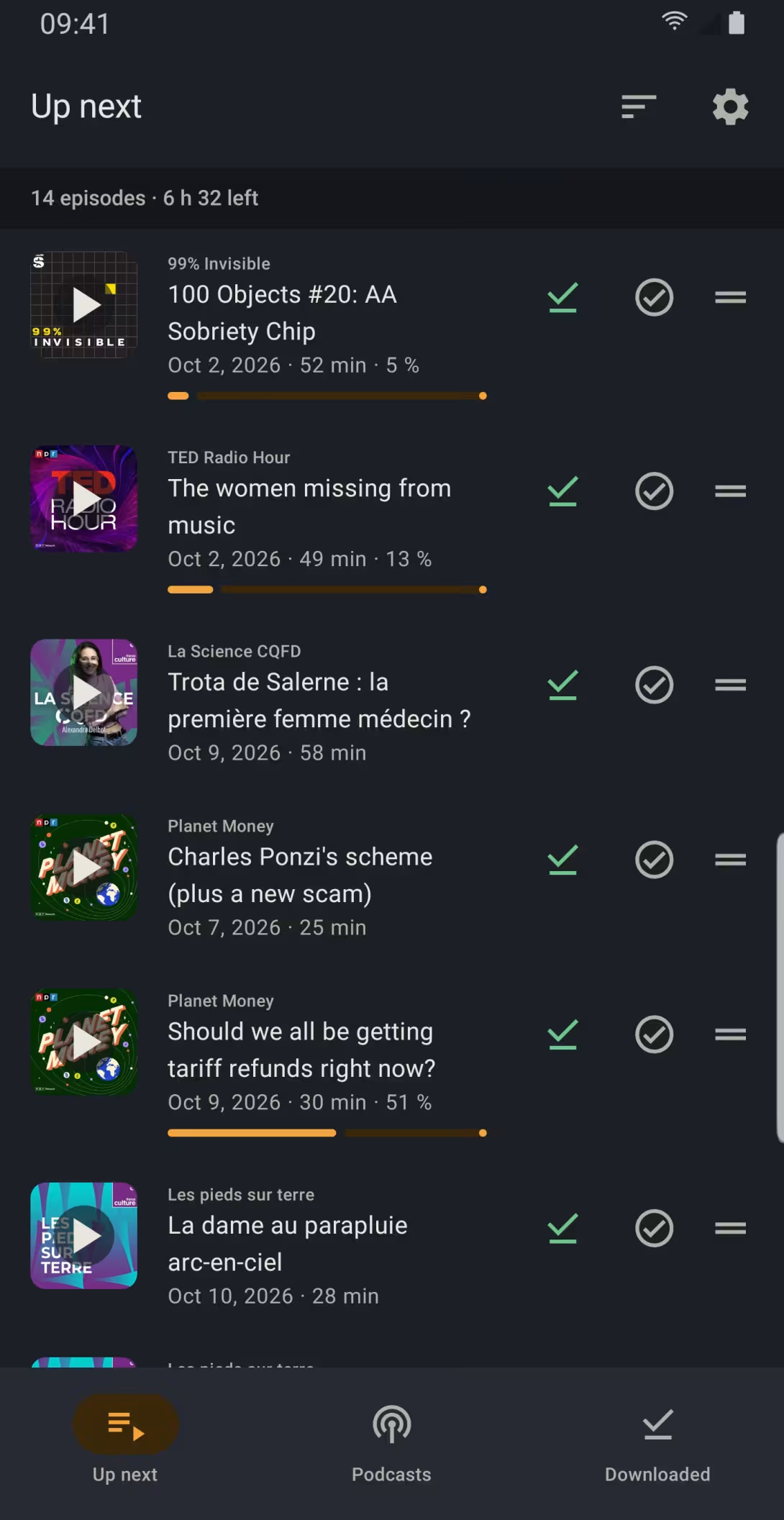
A playlist that fills itself
Every episode your server downloads goes into your “Up next” playlist; prefer to build it yourself? An option lets you. It lives on the server: your other devices and the Audiobookshelf web interface see it too, and changes made elsewhere show up live.
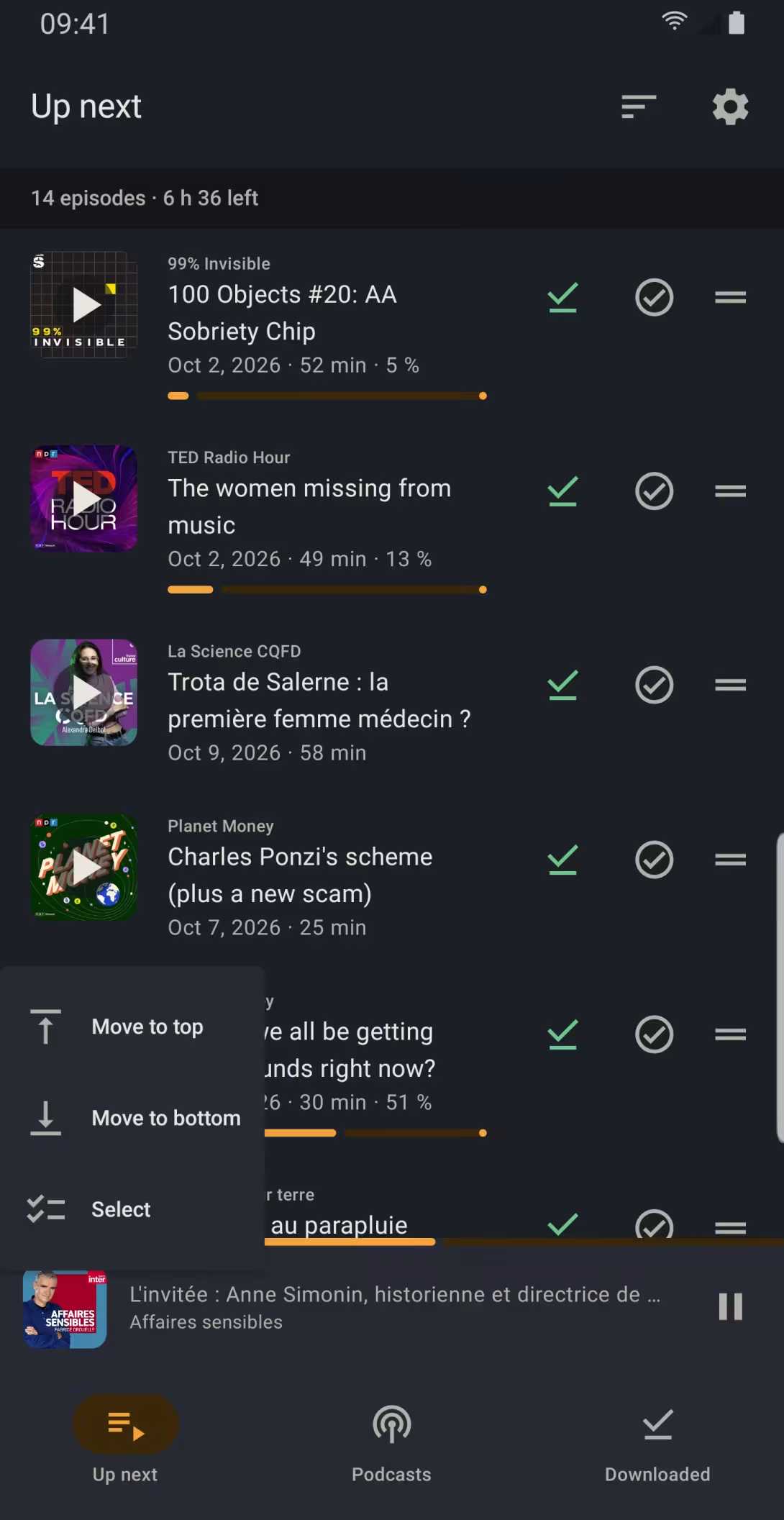
- In the order you choose: drag an episode into place, move it to the top or the bottom, or sort the whole playlist by date in one gesture.
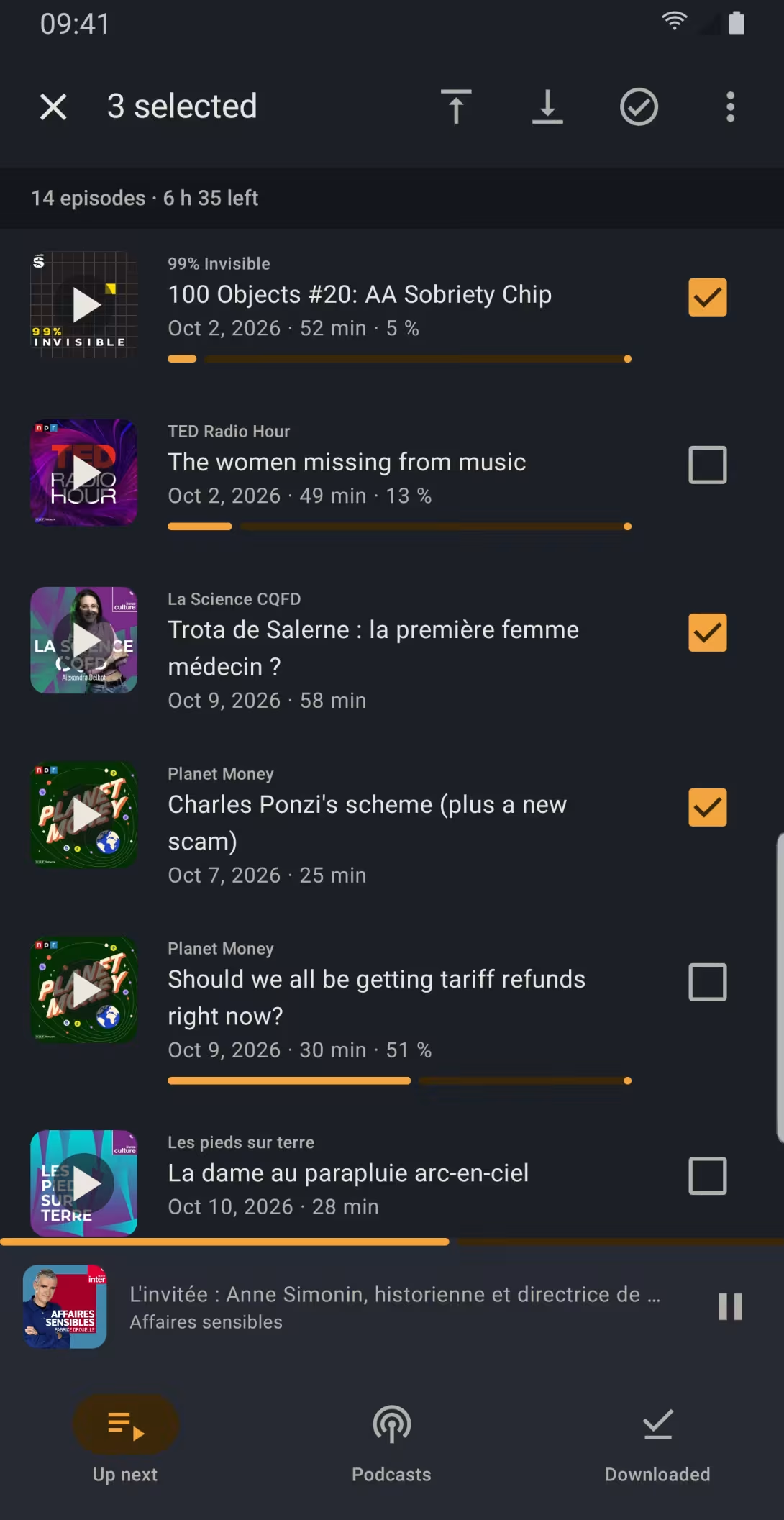
- Several episodes at once: select them to move, mark as played, remove or download them.
- The time left to listen shows next to the number of episodes.
- A finished episode leaves the playlist; “Undo” takes back one gesture too many.
Your playlist, your way
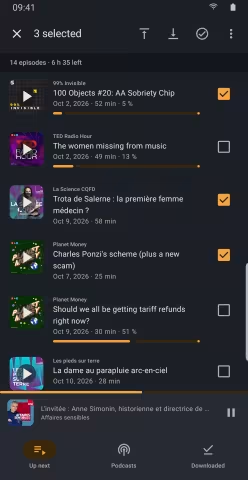
Act on several episodes at once 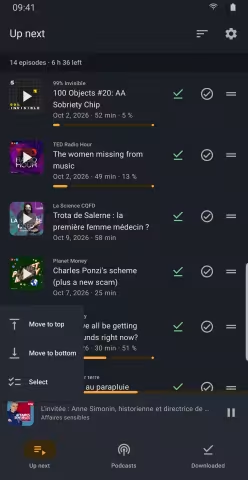
Move an episode to the top or the bottom
Offline
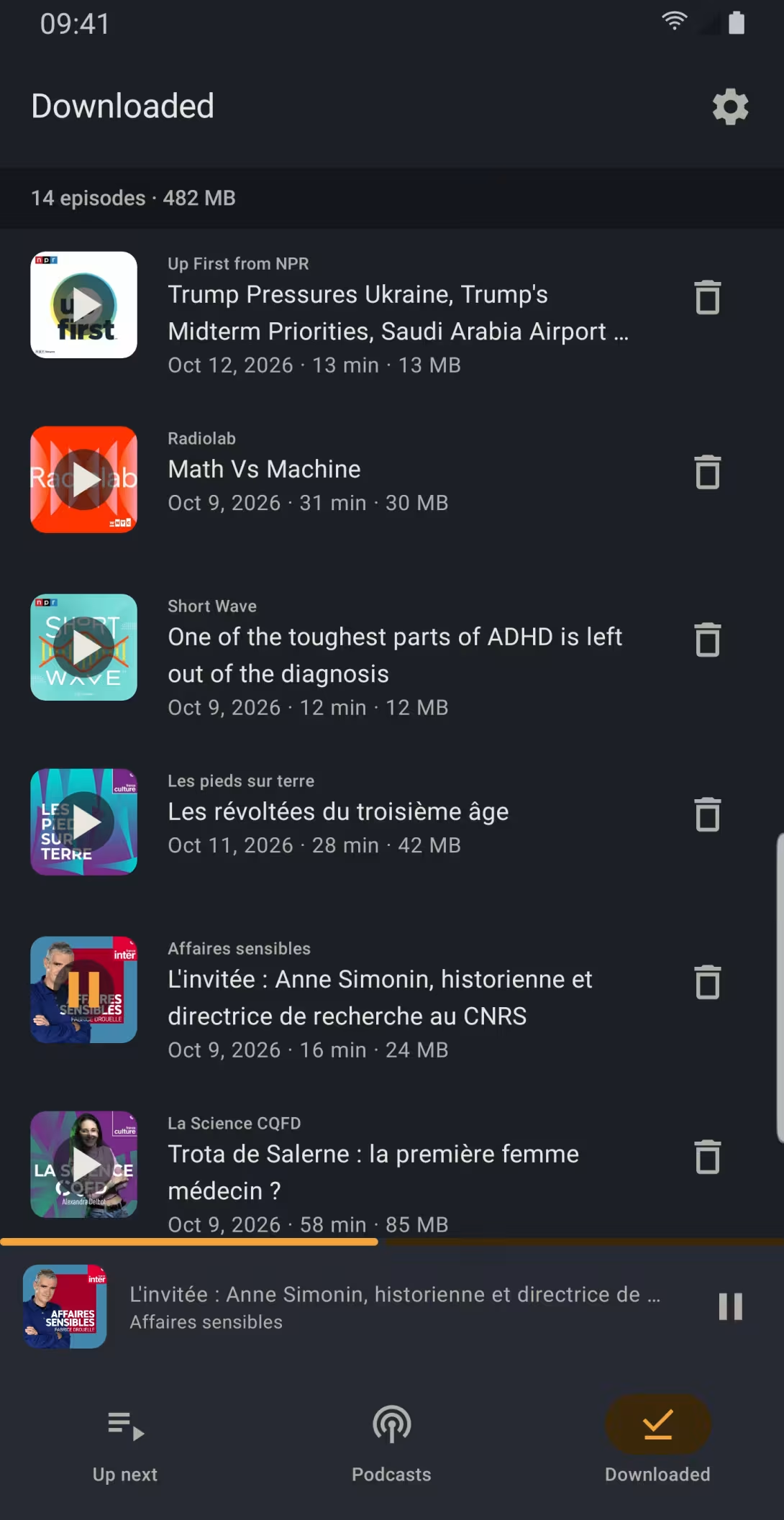
Episodes that enter the playlist download to the phone on their own, on Wi-Fi only if you prefer. An episode you delete by hand does not come back by itself.
Listening done without a network is kept on the phone and reaches the server as soon as it is back: your progress follows you from one device to another.
Playback
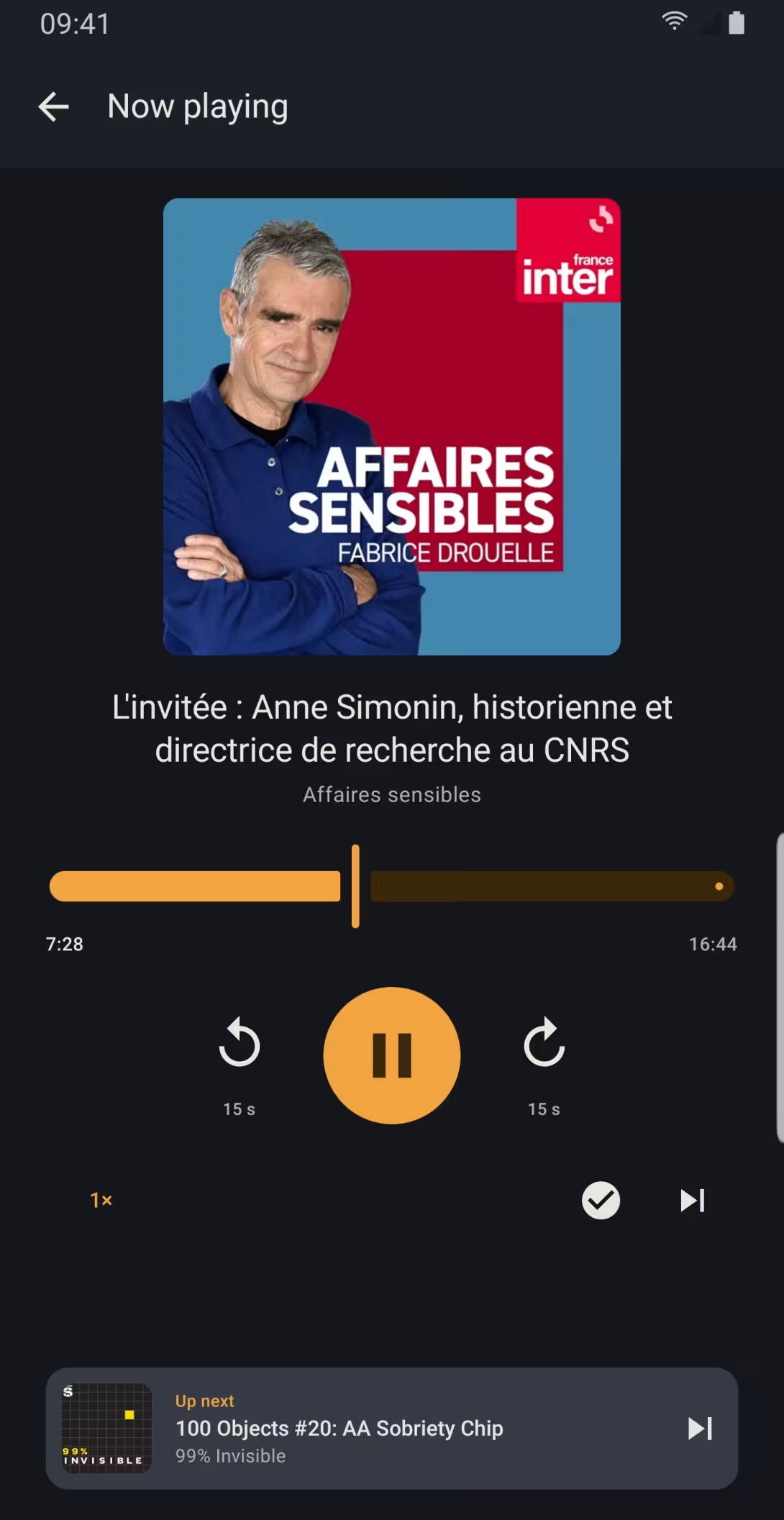
Skip back or forward 15 seconds, set the speed from 0.8 to 2×, and see the next episode at the bottom of the screen. One button marks the episode as played and moves to the next. The same buttons are in the notification, on the lock screen and in the car.
After a pause, playback resumes a few seconds earlier, from 5 to 30 seconds depending on how long you stopped: enough to pick up the thread. An episode you have listened to on another device in the meantime resumes where you left it there.
In the car
The playlist and downloaded episodes open in Android Auto. Ask for an episode by voice, by its title or its podcast, or pick up the last one you played with a tap on play.
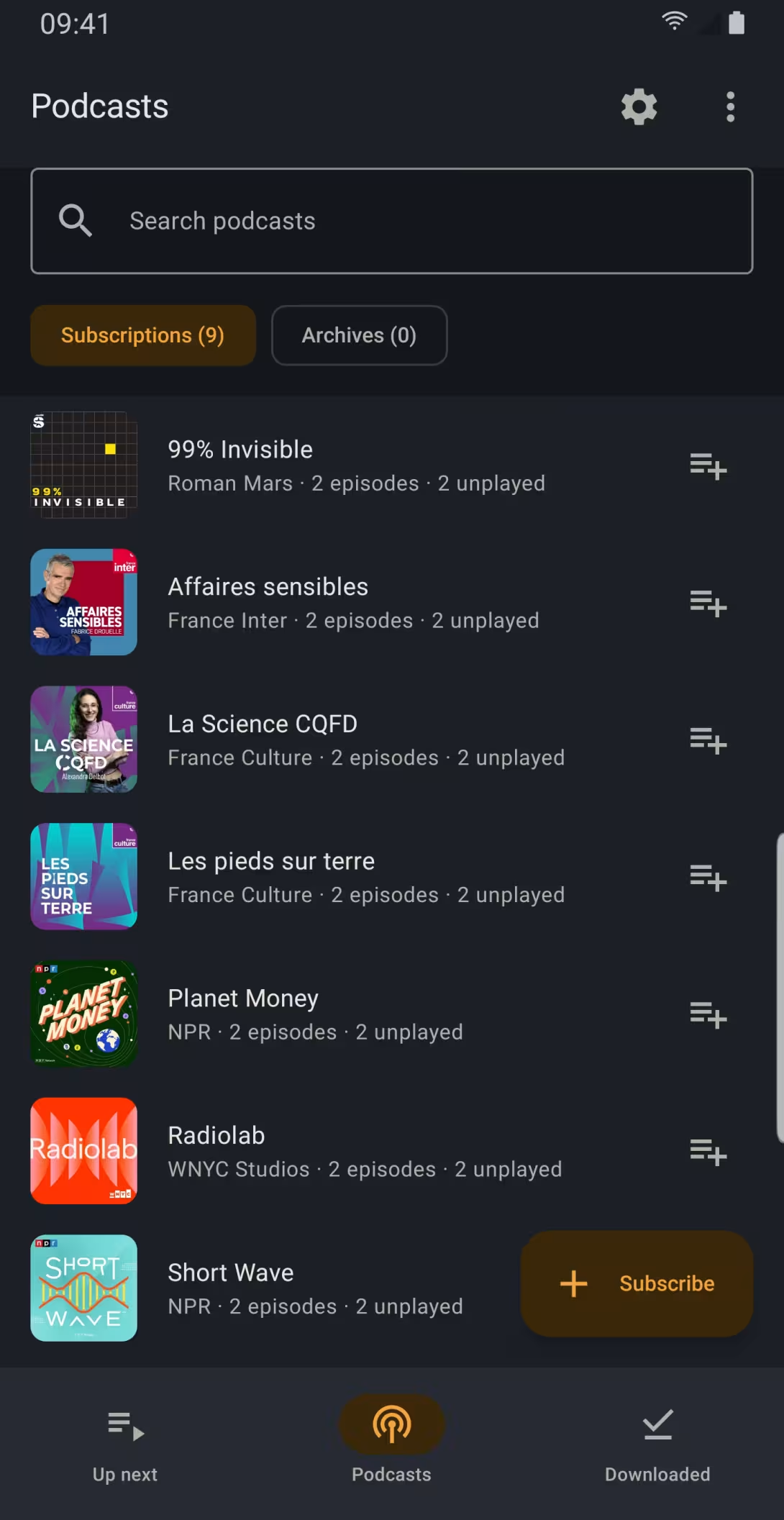
Your podcasts
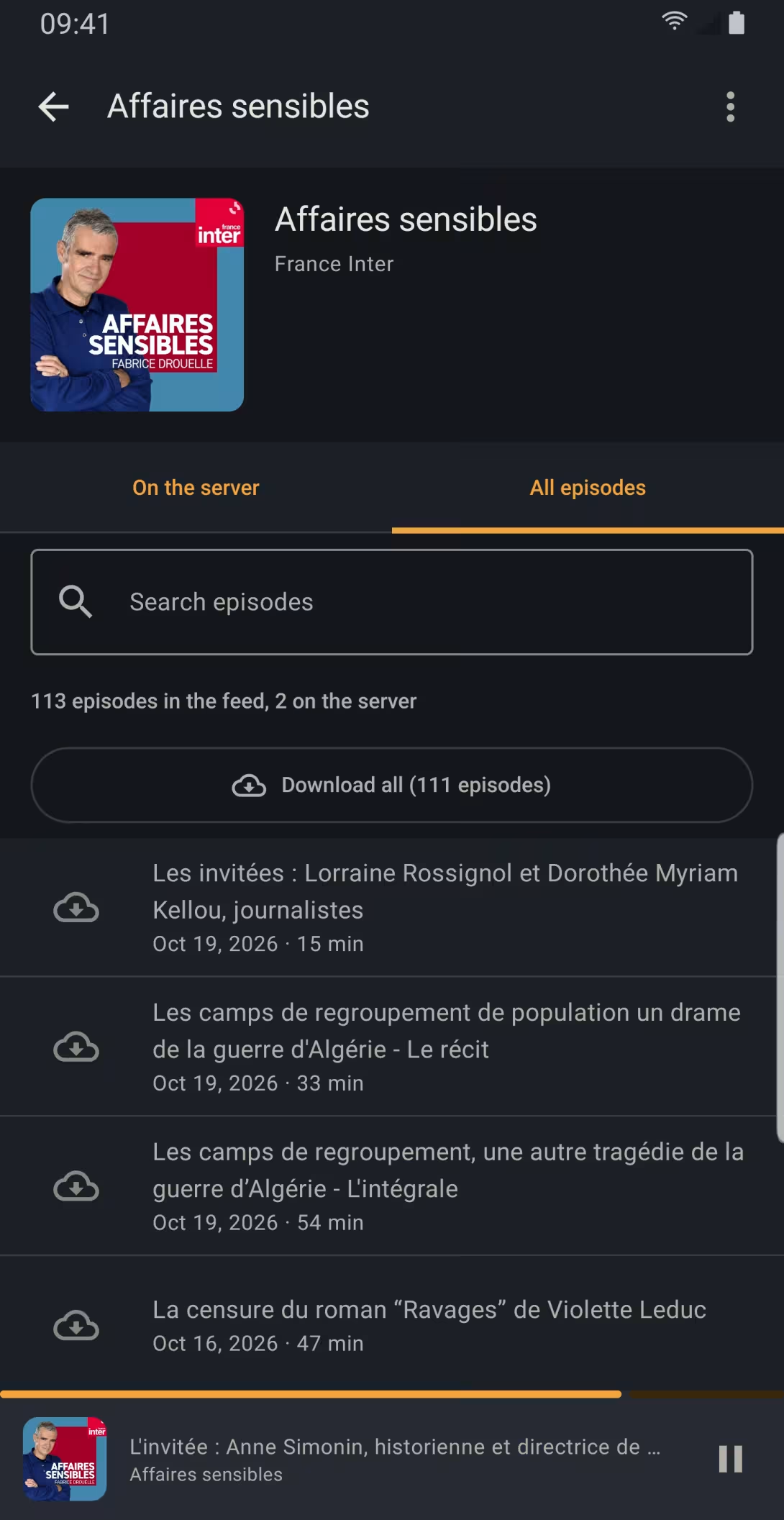
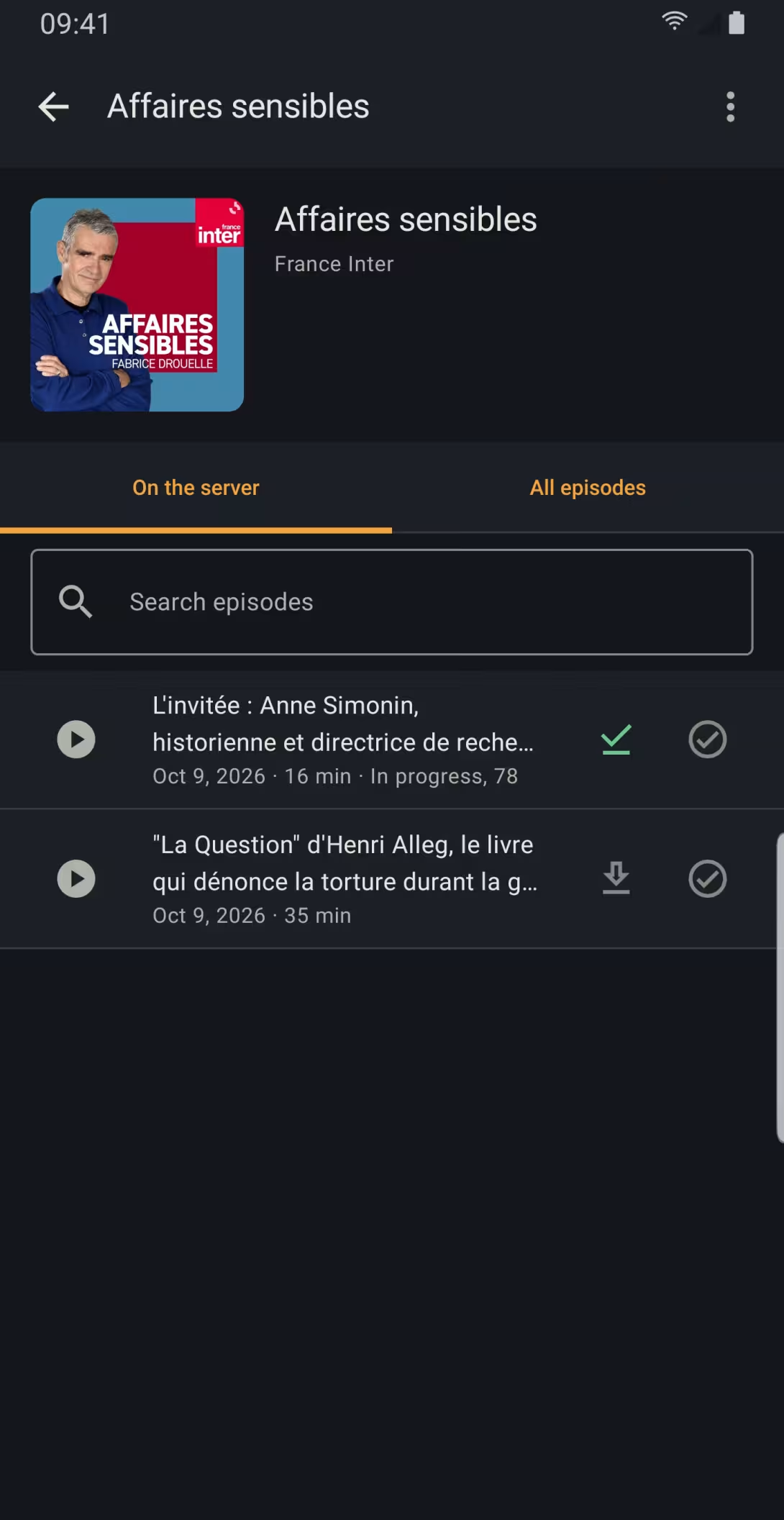
Your subscriptions, with their unplayed episodes, and a search to find a podcast. On a podcast's page, search its episode titles, add all its unplayed episodes to the playlist at once, or mark the whole podcast as played.
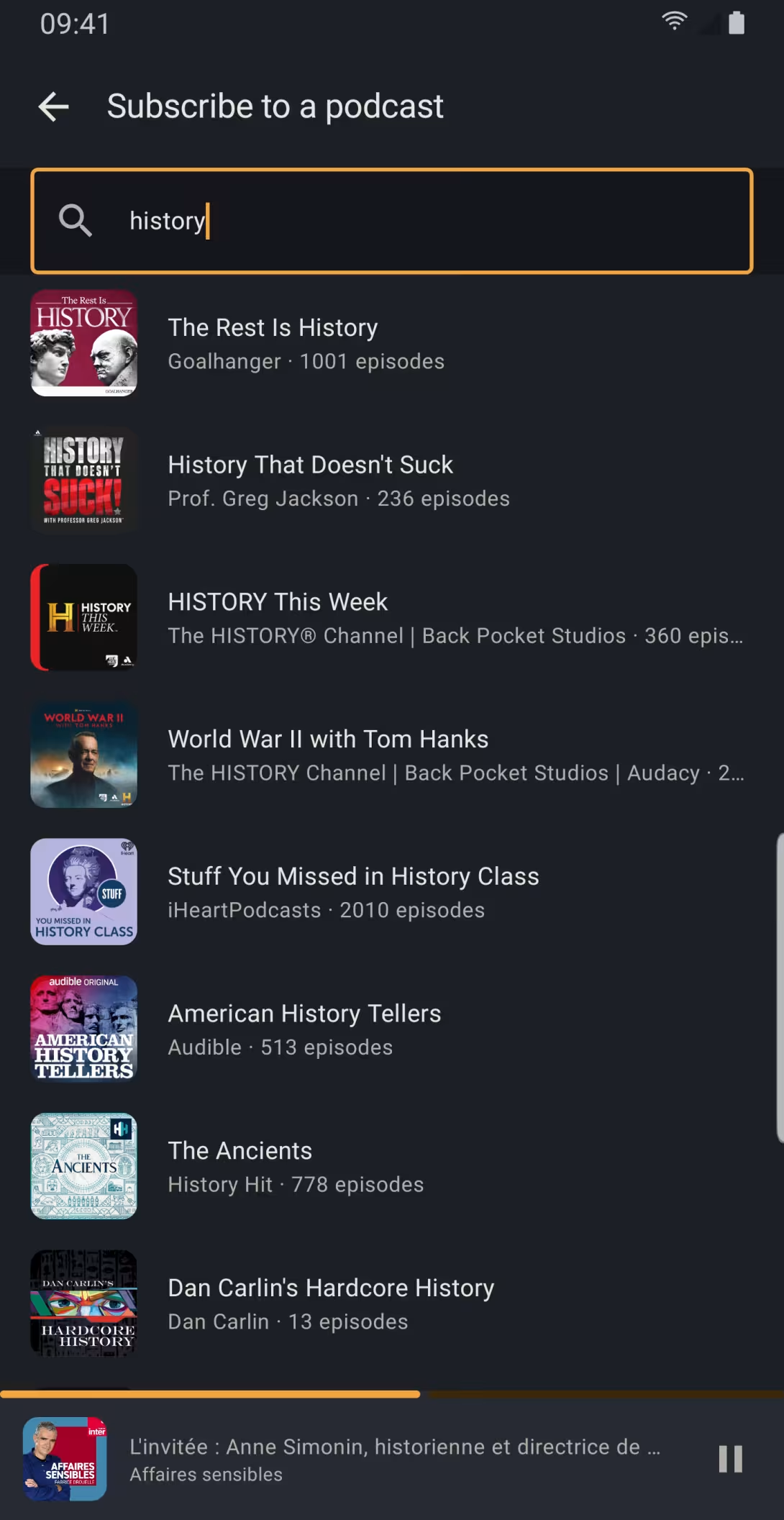
For administrators
With an administrator account on the server: find a podcast and subscribe, browse a podcast's whole feed and have the server download the episodes it is missing, import or export your subscriptions as OPML.
Nothing but your server
No account to create with us, no ads, no tracking. The app only talks to the server you choose, including a server on your local network over HTTP, or one certified by your own authority, if you allow it when signing in. Privacy policy.
The app is available in English and French.
A podcast's page
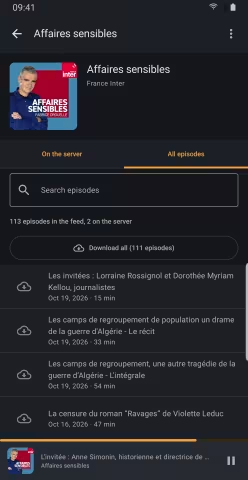
A podcast's whole feed, for the server to download (administrators) 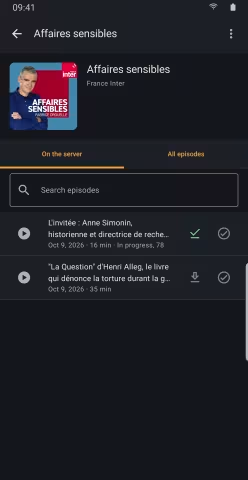
A podcast's episodes on the server
Further reading
- Installing Audiobookshelf with Docker and Caddy: set up your own server, with an HTTPS address, ready for Podcast Shelf.